
| Pricing Plan | Free, Growth |
| Available in | Switzerland |
This article explains how to use and apply RaiseNow TWINT QR codes correctly for TWINT Payments, TWINT Payments Plus, and TWINT Donations. It outlines size specifications, usage rules, and design guidelines to ensure QR codes remain functional and compliant with TWINT requirements.
Overview
RaiseNow provides ready-to-use TWINT QR codes for different TWINT Touchpoint Solutions. These files are designed to meet TWINT’s official design and technical requirements.
To ensure proper functionality:
Downloaded QR code files must not be edited or modified
Files must be integrated into print materials exactly as provided
Modified files may no longer comply with TWINT guidelines and may stop working
This applies to all TWINT QR codes provided by RaiseNow.
TWINT Payments
Usage
TWINT Payments QR codes are provided in a single size. The dimensions match the high-quality TWINT QR code stickers that can be ordered through the lettershop.
You can:
Use the stickers directly at the point of sale, or
Integrate the QR codes into your own printed materials
TWINT Payments with custom amount
TWINT Payments with fixed amount
What not to do
| Warning: To ensure functionality of the QR-Code, the downloaded files should not be edited or modified. Edited files do not meet the given design guidelines from TWINT. |
Don't stretch or squeeze the provided files
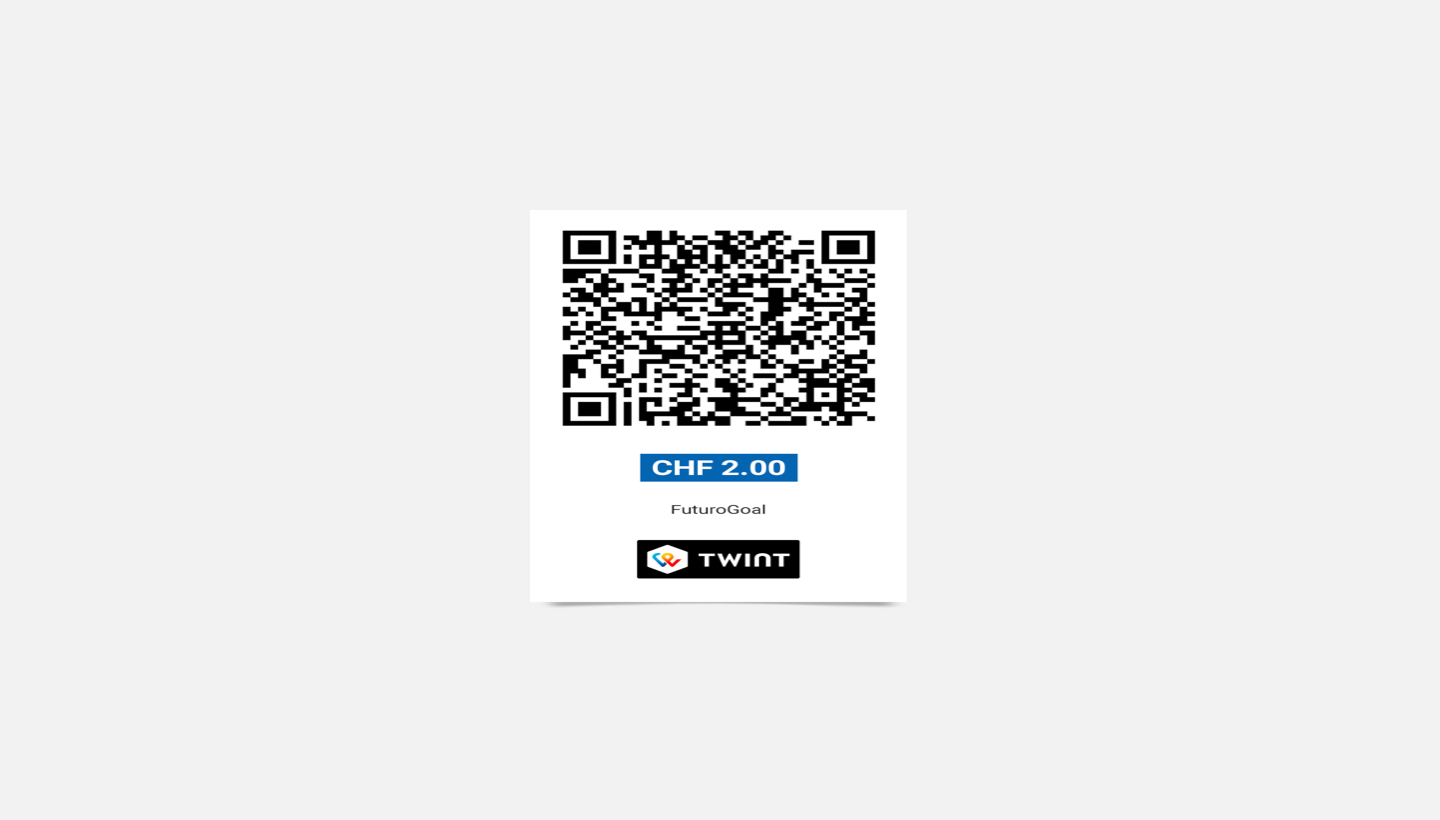
Don't crop or separate the QR Code from the TWINT logo
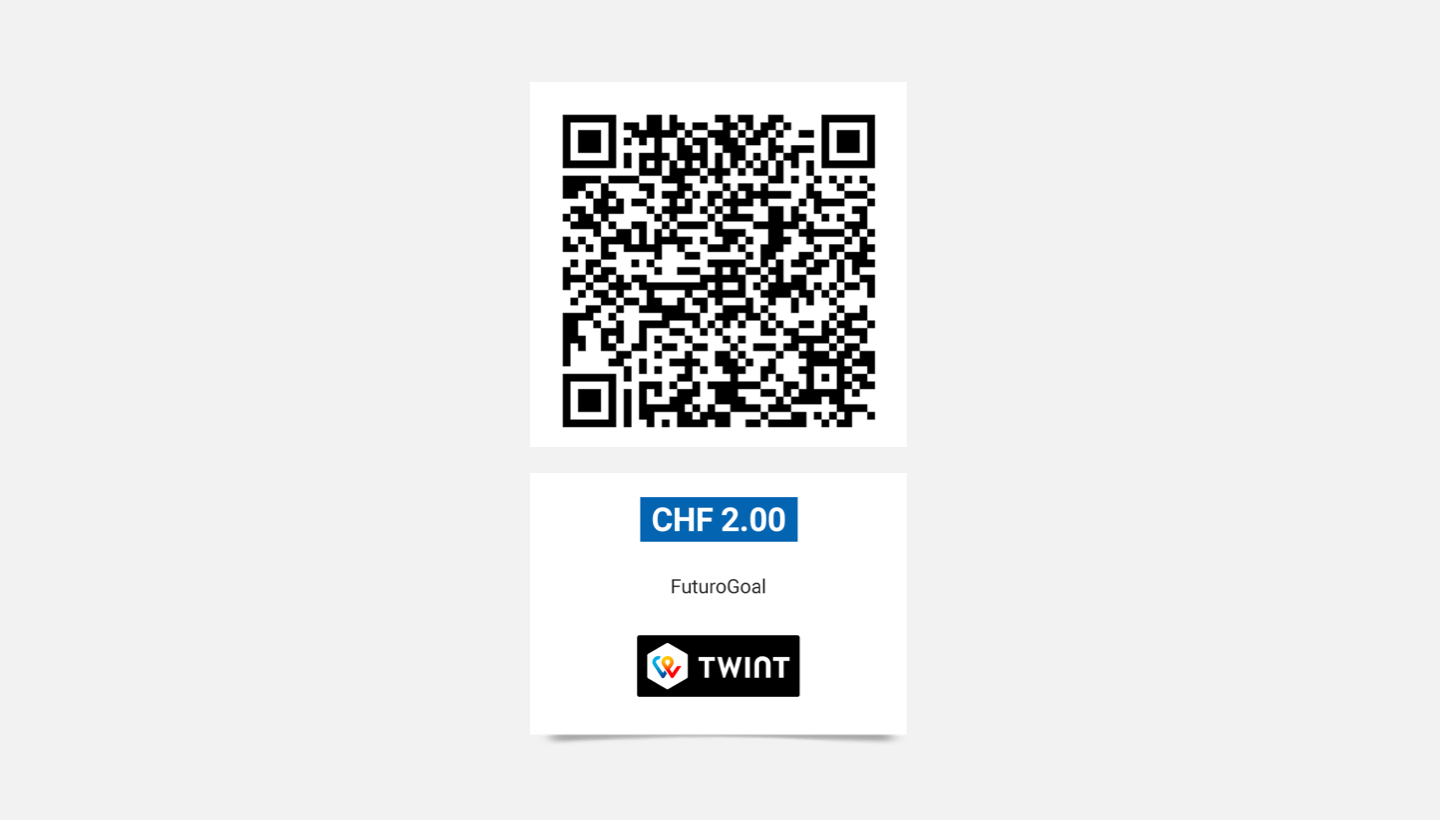
Don't use transparency or layer effects
TWINT Payments Plus & TWINT Donations
Usage
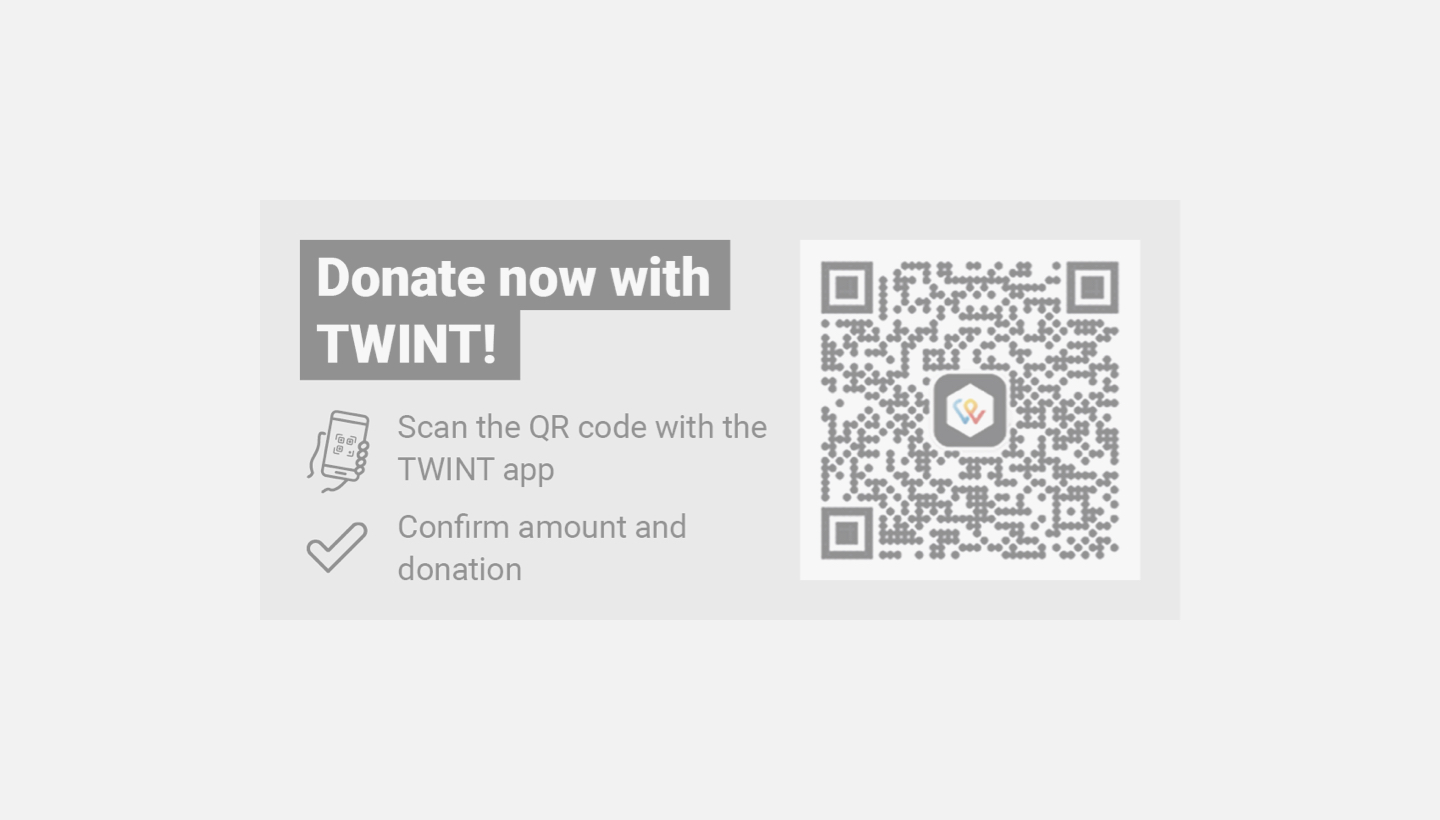
For TWINT Payments Plus and TWINT Donations, QR codes are provided together with a Call to Action (CTA). The downloaded package contains one size QR Code. To ensure the readability and functionality of the QR Code, the provided PNG should not be cropped.
Size: 184 mm x 84 mm
Scale-down up to 50% the size of the provided QR Codes for smaller print formats like DIN A5 or DIN A4.
Use original size (184 mm x 84 mm) QR Codes for larger print formats like DIN A3 or posters.
Background colours
The Call To Action should be well integrated and not too disruptive, but at the same time it should be striking enough and clearly visible. The backgrounds serve to improve readability and also to ensure that the individual elements, such as text, QR Code, and icons, feel consistent and like they belong together.
Examples
QR Code + Call to Action clearly stand out from the background.
What not to do
| Warning: To ensure that the QR Code functions correctly, the downloaded files (QR Code + Call To Action) should not be edited or modified. Edited files do not meet the given design guidelines from TWINT. |
Don't stretch or compress the provided files
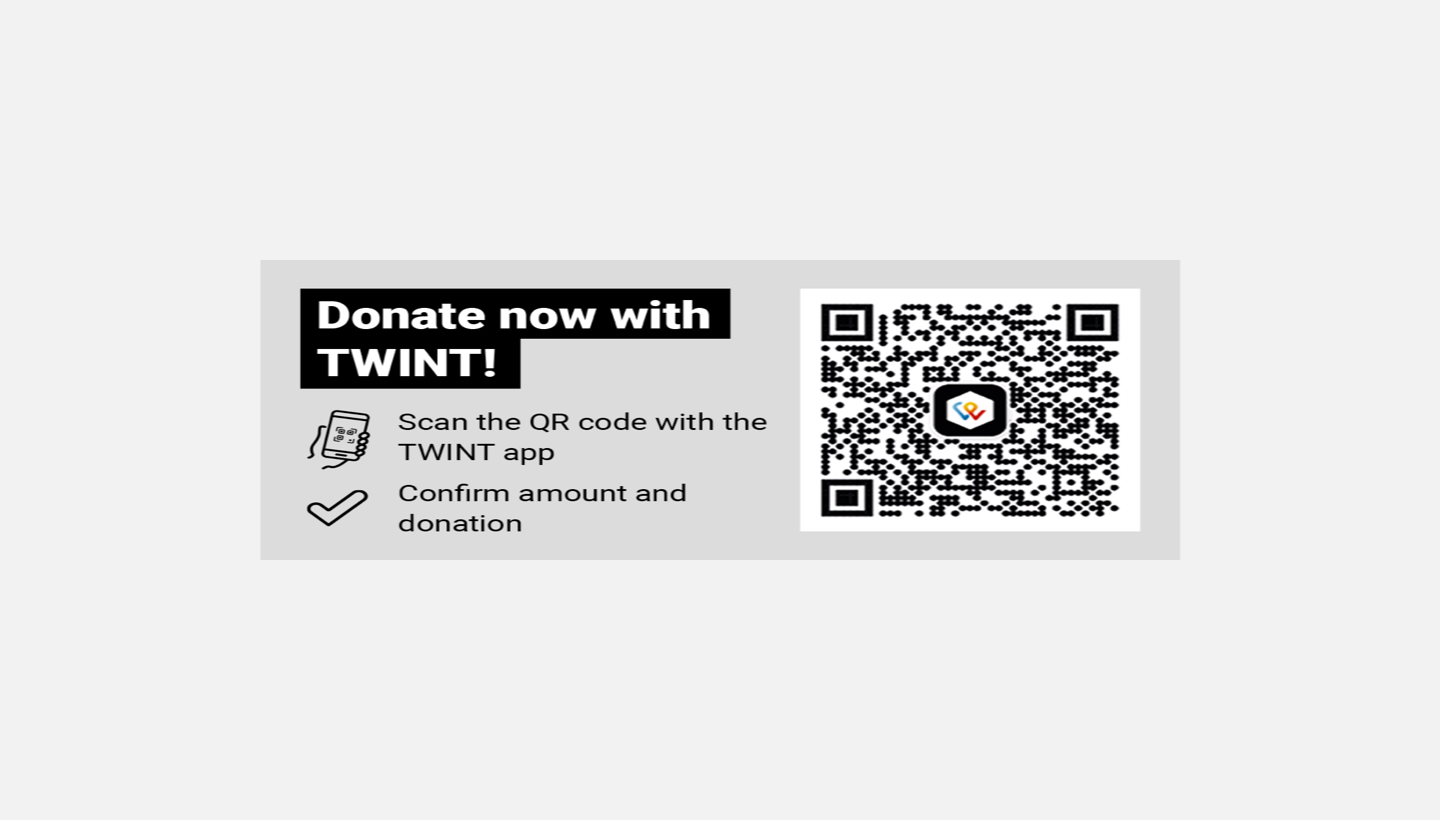
Don't crop or separate the QR Code from the Call To Action
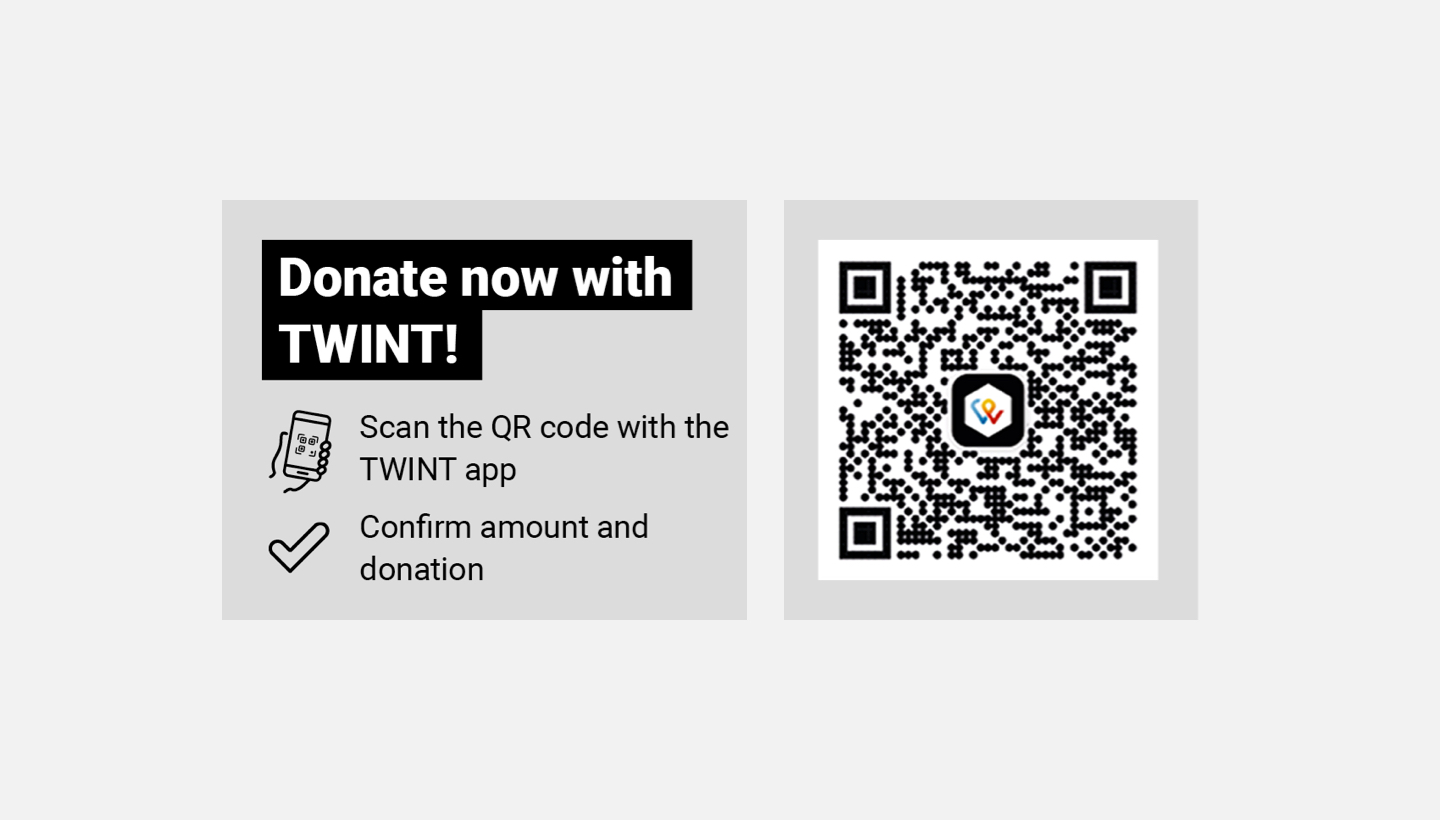
Don't use transparency or layer effects
Recommendation for testing
Before printing, always test the QR code digitally:
Scan the QR code with a TWINT-compatible app.
Check that it opens and redirects correctly.
After printing, make a real test payment using the printed QR code.
Only proceed with large print runs once both digital and printed tests are successful.
Comments
0 comments
Please sign in to leave a comment.